I added another function to the “Az-GatherInfoFuncs” script and called it “Get-AzVirtNetDets” which is designed to list subnets including Name, Address Prefix, NSG, Route Table and whether or not BGP Propogation is disabled. Using the specified Subscription name as a parameter it finds all the Virtual Networks within the subscription and for each VNet.
This script is different to the previous ones written which capture this information mostly in default PS Object form for storage and comparison, this particular scripts starts to make intelligible use of the information.
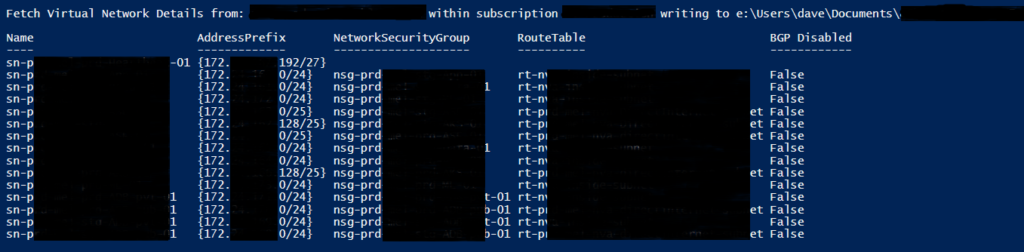
- Setup file output environment folders – TenantID\SubscriptionName\VNETDetails.
- Enumerate all Virtual Networks within subscription (Get-AzVirtualNetwork | Select Name, @{label=’AddressSpace’; expression={$_.AddressSpace.AddressPrefixes}}, Subnets)
- foreach VNet
- Grab Subnets and break down details.
- Write to screen
- Write to file
- Run Comparison Function
These were written and tested 7.2.5 with Az Module 8.0.0 on a Windows VMs. Some limited regression testing has been done by running this incidentally on earlier PS 5.
The function is embedded within: https://github.com/roity57/Azure-Gather-and-Compare-Info/blob/master/Modules/Az-GatherInfoFuncs.ps1
If you’re looking for something simpler to quickly get some details out, I referenced https://dev.to/roberthstrand/list-all-vnet-and-subnets-across-multiple-subscriptions-4028 for some insight into what I was working on.